Loading...
5 Benefits of Automating Invoice Data Entry
Updated: 27 January 2026
Invoice automation might sound a bit complicated, but it really doesn't have to be. And it can save you a lot of time and money.
What is invoice automation?
Put simply, it can mean many things depending on your current workflow. Say, for example, you pay for a lot of business expenses online via PayPal, like ChatGPT subscriptions or material tools. These are all expenses that you can use to offset your business taxes.
Downloading these invoice PDFs and converting them to CSV files means you can open them in one Excel file and count your totals for allowable expenses automatically. According to Accounting Today, automation adoption in accounting workflows has significantly increased efficiency across the industry.
This is the power of invoice automation
5 Benefits of Automating Invoice Data Entry
Saves time and labour – Automatically extracting invoice data eliminates manual keying, freeing staff to focus on higher-value work instead of repetitive admin.
Reduces human error – OCR (Optical Character Recognition) and structured extraction significantly cut down typos, missed fields, and inconsistent formatting that commonly occur with manual entry.
Speeds up accounting workflows – CSV files can be imported directly into accounting, ERP, or spreadsheet systems, accelerating approvals, payments, and reporting.
Improves data consistency and analysis – Standardised CSV outputs make it easier to track spending, reconcile accounts, and run analytics across large volumes of invoices.
Scales effortlessly as volume grows – Automation handles hundreds or thousands of invoices with the same accuracy and speed, without needing to add extra headcount.
How to convert invoice PDF to CSV
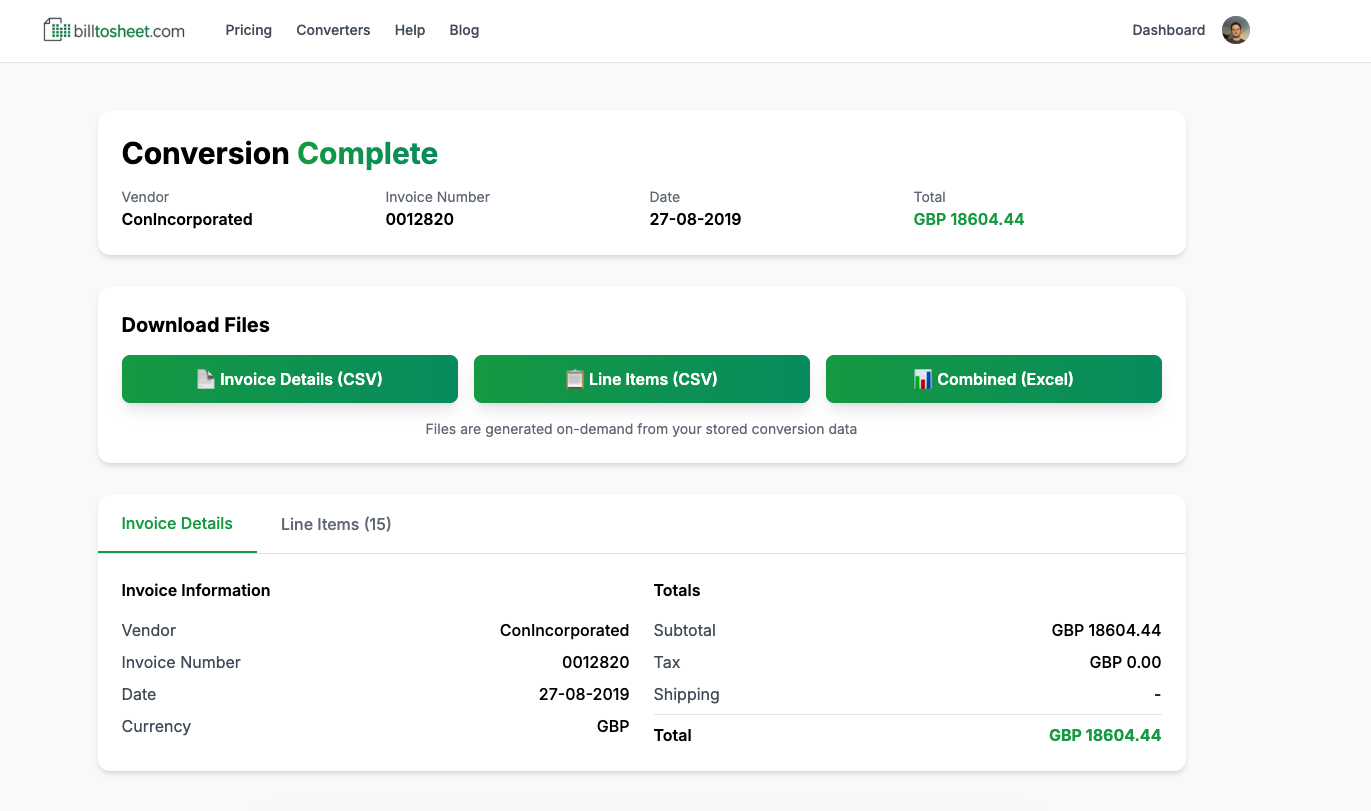
This is where we come in, you can use out PDF to CSV converter to upload a PDF. Our AI engine then takes this PDF, extracts all the necessary data that's important to you, and gives you it in a nice little CSV package that you can use in your day-to-day workflow.
Give our PDF to CSV converter a try today, for free!